Adobe Acrobat 11
Classroom Training Course
Contact us about this "Basics of Adobe Acrobat 11" video online training course for just £34.95 plus VAT
In this course, Adobe Acrobat 11, business professionals get started working with Adobe Acrobat 11 PDFs. Viewers will learn how to create a PDF from a variety of Microsoft Office programs or other files or web sources, as well as learn to create bookmarks, buttons, links, and forms.

This Course Includes:
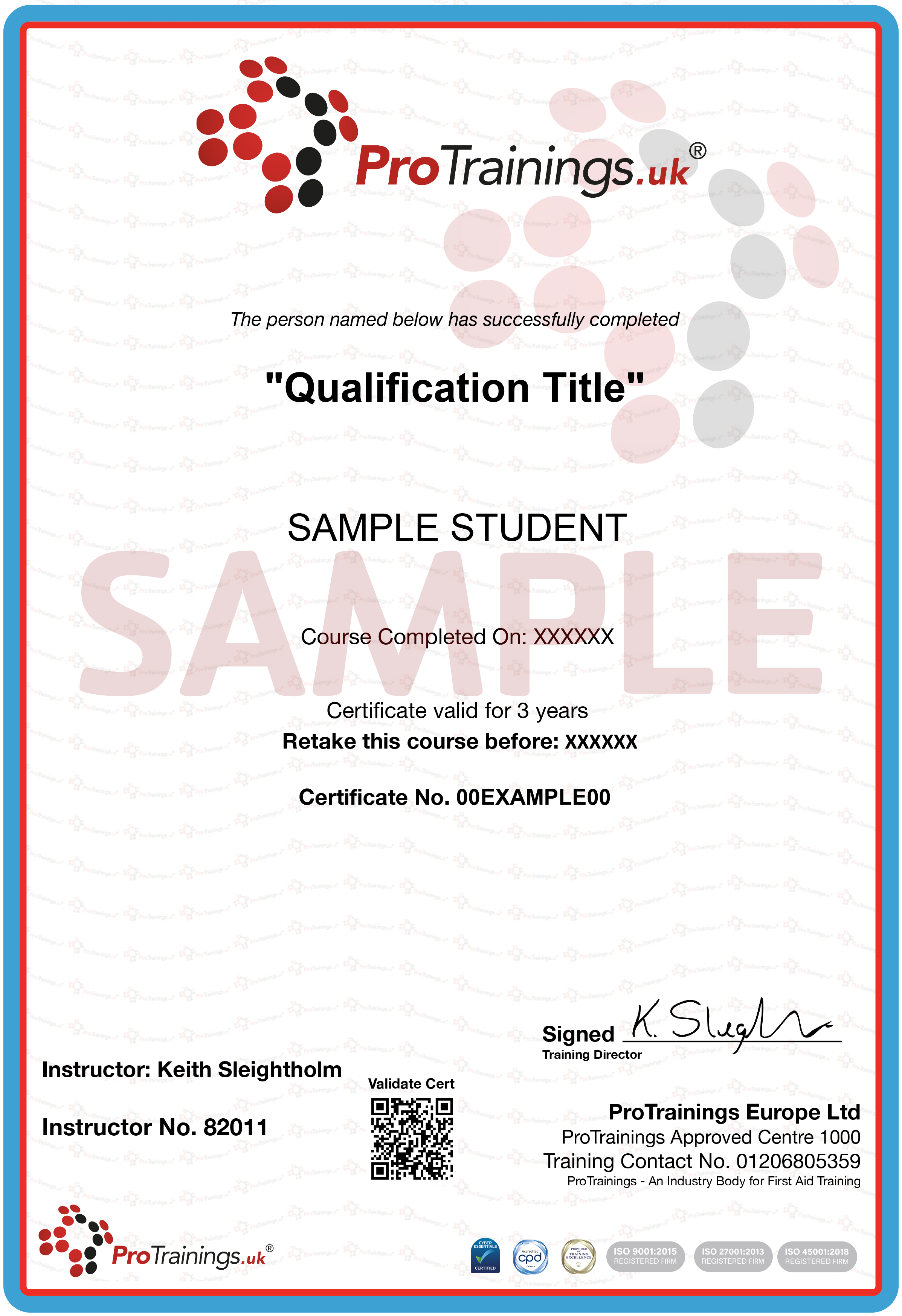
- Evidence Based Training Certificate
- Instant printable wall certificate
- Expiration reminder
- Student manual
- This course is valid for 1 year
This Course is Perfect For...
- Anyone who uses Adobe Acrobat
Course Curriculum
The Basics of Adobe Acrobat 11 Play Section
| Lesson 1 : Getting Started | 3m 45s | ||||
| Lesson 2 : Create a PDF from Acrobat | 1m 8s | ||||
| Lesson 3 : Create a PDF from Microsoft Word 2013 | 1m 35s | ||||
| Lesson 4 : Create a PDF from Excel 2013 | 2m 3s | ||||
| Lesson 5 : Create a PDF from Microsoft PowerPoint 2013 | 1m 47s | ||||
| Lesson 6 : Create a PDF from any File | 2m 20s | ||||
| Lesson 7 : Create a PDF from the Web | 3m 8s | ||||
| Lesson 8 : Create PDF from More than One File | 3m 23s | ||||
| Lesson 9 : Create a PDF Portfolio | 5m 3s | ||||
| Lesson 10 : Scan a Paper Document as a PDF | 2m 41s | ||||
| Lesson 11 : Save a PDF Document as a Word Document | 2m 47s |
Working with a PDF Document Play Section
| Lesson 12 : Insert and Delete Pages in a PDF | 4m 9s | ||||
| Lesson 13 : Extract and Replace Pages in a PDF | 2m 59s | ||||
| Lesson 14 : Split a PDF Document | 2m 25s | ||||
| Lesson 15 : Crop Pages in a PDF | 2m 45s | ||||
| Lesson 16 : Rotate Pages in a PDF | 1m 55s | ||||
| Lesson 17 : Add a Header and Footer | 5m 51s | ||||
| Lesson 18 : Edit and Delete a Header and Footer | 2m 38s | ||||
| Lesson 19 : Add the Background | 4m 5s | ||||
| Lesson 20 : Edit and Delete a Background | 1m 56s | ||||
| Lesson 21 : Add a Watermark | 4m 42s | ||||
| Lesson 22 : Edit and Delete a Watermark | 1m 47s | ||||
| Lesson 23 : Create Bookmarks | 4m 31s | ||||
| Lesson 24 : Edit Bookmarks | 2m 44s | ||||
| Lesson 25 : Delete Bookmarks | 1m 38s | ||||
| Lesson 26 : Create Links | 4m 59s | ||||
| Lesson 27 : Edit Links | 2m 20s | ||||
| Lesson 28 : Delete Links | 1m 18s | ||||
| Lesson 29 : Insert Buttons | 4m 32s | ||||
| Lesson 30 : Edit and Delete Buttons | 2m 46s | ||||
| Lesson 31 : Add Page Numbers | 3m 23s | ||||
| Lesson 32 : Edit and Delete Page Numbers | 1m 58s | ||||
| Lesson 33 : Customize Thumbnail Page Numbers | 3m 36s | ||||
| Lesson 34 : Number Pages Across Mulitple PDFs | 3m 17s | ||||
| Lesson 35 : Edit Page Text | 4m 1s | ||||
| Lesson 36 : Insert Text | 1m 49s |
Advanced Acrobat 11 Play Section
| Lesson 37 : Create a PDF Form | 4m 11s | ||||
| Lesson 38 : Distribute a PDF Form | 1m 57s | ||||
| Lesson 39 : View Responses to a Distributed PDF | 2m 15s | ||||
| Lesson 40 : Restrict Global Printing, Copying and Editing | 4m 40s | ||||
| Lesson 41 : Set Different Permissions For Different Users | 5m 23s | ||||
| Lesson 42 : Review and Comment | 5m 51s | ||||
| Lesson 43 : Shared PDF Viewing | 3m 15s | ||||
| Lesson 44 : Check a PDF for Hidden Information | 3m 14s | ||||
| Lesson 45 : Digitally Sign or Certify a PDF | 3m 44s | ||||
| Lesson 46 : Compare Two PDF Documents | 4m 1s | ||||
| Lesson 47 : Create a Personalized Portfolio | 1m 48s | ||||
| Lesson 48 : Insert and Play Video | 3m 21s | ||||
| Lesson 49 : Reduce PDF File Size | 2m 57s | ||||
| Lesson 50 : Optimize a PDF | 5m 20s |
over 3 million certifications issued to date
Why ProTrainings?
Convenience
Train Anywhere, On Any Device
Master Quality
Expert Instructors for Every Subject
Speed
Same-Day Completion
Trusted
Compliant & Secure
More about this course
Contact us about this "Basics of Adobe Acrobat 11" video online training course for just £34.95 plus VAT
In this course, Adobe Acrobat 11, business professionals get started working with Adobe Acrobat 11 PDFs. Viewers will learn how to create a PDF from a variety of Microsoft Office programs or other files or web sources, as well as learn to create bookmarks, buttons, links, and forms.
- Find out what other courses are available as video online, blended and classroom courses nationally - our course finder
- Sign up for free Student First Aid - use code SCH-376-61-571
- Visit the First Aid Show free for first aid and medical videos
- Woundclot - haemostatic gauze for all types of bleeding
Frequently Asked Questions

What is CPD and why is having Certified CPD important?
CPD stands for Continuous Professional Development and is required in many business sectors. Even if you do not require a set CPD credit level, having Certifed CPD ensures the quality of training. ProTrainings are the highest gold standard of CPD ensuring that all courses are externally verified and mapped to the highest levels.
What is "SCORM ready" and will courses run on a LMS?
SCORM Ready means that online courses can run on any compatible Learning Management System (LMS). SCORM courses run seamlessly on your existing LMS system without a separate login so staff only login using the existing company system. ProTrainings online courses have an advanced SCORM ready system to give more features than any other company.
Do I receive a certificate after completing your online training?
Yes, when you complete the online course you will be able to download and print a compliant completion certificate, evidenced-based learning statement to confirm course content and a certified CPD statement. There is no extra charge for the certificate. You can also buy a printed certificate to be posted to you for a small extra fee.
What training courses do you offer and how are they delivered?
We offer a full range of training courses across all business sectors as video online, blended and nationwide at your business or our local training centres. With over 350 courses you can learn at a time and place that meets your busy schedules and save money on travel and costs away from the office.
Group Trainings for your Organisation